

Every domain has contact details stored with its registry: the owner (registrant), the administrative contact, the technical contact and the billing contact. These details prove you own the domain, and any official communication about it is sent to them.
Edit the details
- In Domains → My Domains, click the domain.
- Choose More → Contact Information.
- You can copy your account details or one of your contacts, or enter different details by hand.
- Click Save Changes.
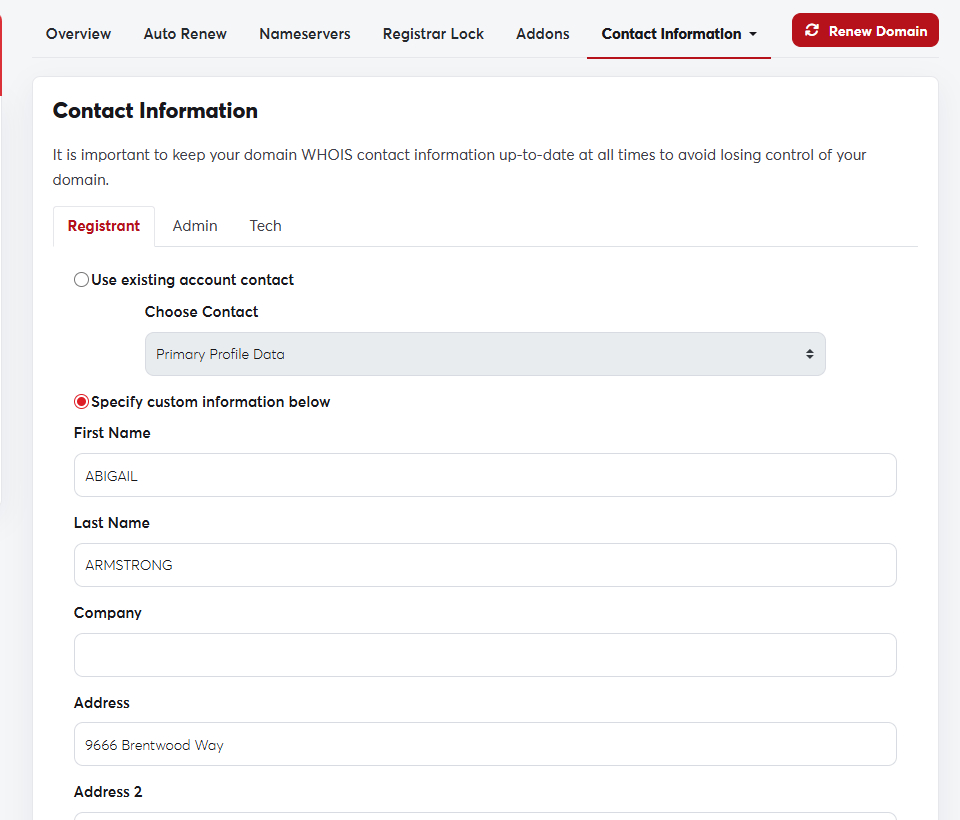 The domain's Contact Information page
Use a working, long-term email address for the owner. Some extensions require the email to be verified, and the domain can be suspended if it isn't verified in time.
For some extensions, changing the owner's name counts as a change of ownership and can lock the domain against transfers for 60 days.
