

Domain auto-renew

With auto-renew on, a renewal invoice is created before the domain expires and paid automatically from your account credit or saved payment method, so your website never goes offline because a renewal was forgotten.

Turn auto-renew on or off

  1. In Domains → My Domains, click the domain.
  2. Open the Auto Renew tab.
  3. Click the button to enable or disable it.
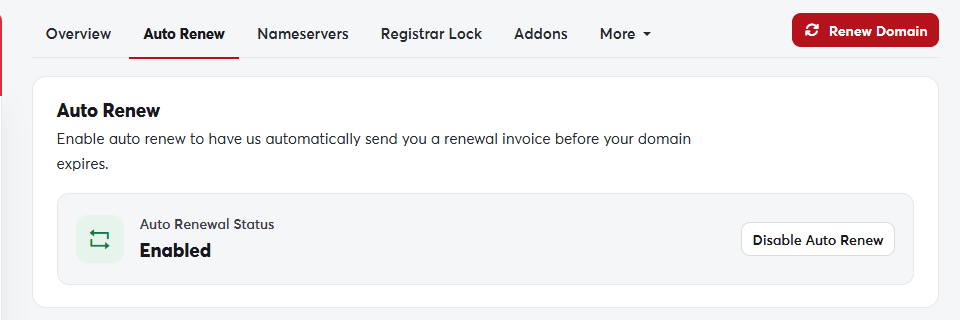
The Auto Renew tabThe Auto Renew tab

For auto-renew to work

If you turn auto-renew off, you'll still get reminders before the domain expires, but you must pay the invoice yourself. See Renewing a domain.

Was this answer helpful?

Related Articles

Registering a new domain A domain name is your website's address on the internet, such as my-store.com. You can search for the name you want and register it... Looking up domain information (WHOIS) WHOIS shows the public record for any domain name: the registrar, registration and expiry dates, nameservers and status. Use it to check... Transferring a domain to SAJJEL.NET If your domain is registered with another company, you can transfer it to SAJJEL.NET and manage your domains, hosting and invoices in one... Managing your domains All your domains are in one place in your client area. From there you control renewals, nameservers, the registrar lock, contact details... Renewing a domain A domain is registered for a set period (one year or more) and must be renewed before it ends to keep your website and email working. We...