

With auto-renew on, a renewal invoice is created before the domain expires and paid automatically from your account credit or saved payment method, so your website never goes offline because a renewal was forgotten.
Turn auto-renew on or off
- In Domains → My Domains, click the domain.
- Open the Auto Renew tab.
- Click the button to enable or disable it.
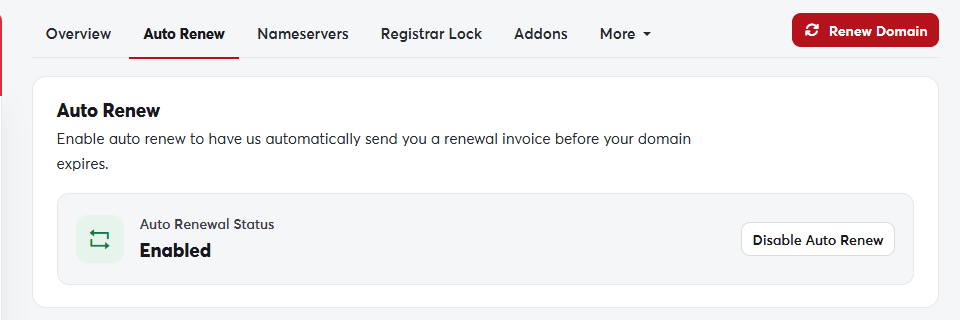 The Auto Renew tab
For auto-renew to work
- Keep enough credit in your account, or save a valid payment method.
- Make sure your account email is correct so you receive invoices and notices.
If you turn auto-renew off, you'll still get reminders before the domain expires, but you must pay the invoice yourself. See Renewing a domain.
