

You can add credit to your account with a Visa, Mastercard or other card, and use it later to pay your invoices.
Steps
- In the side menu, choose Billing → Add Funds.
- Enter the amount you want to add, in US dollars.
- Under Payment Method, choose Credit Card.
- Click Add Funds, then complete the payment by entering your card details on the secure gateway page.
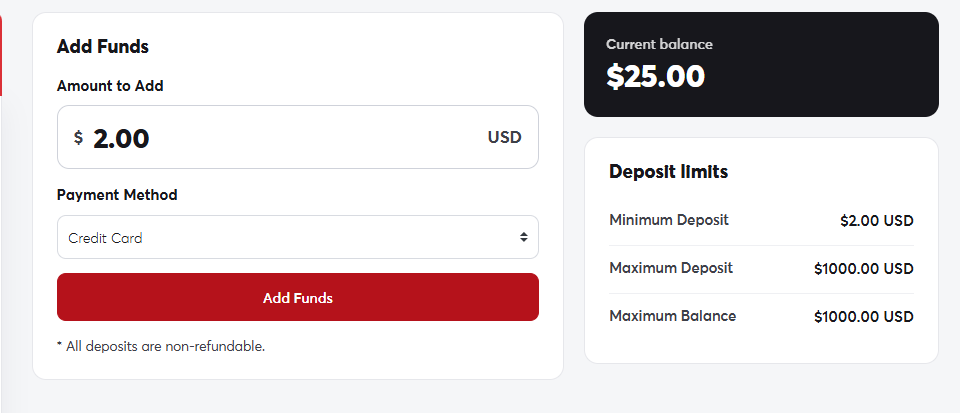 The Add Funds page
The amount is added to your balance as soon as the payment succeeds, and shows on your account card.
Deposit limits
- Minimum deposit: $2.
- Maximum per deposit: $1,000.
We don't store your card details on our servers. Payments are processed entirely by a secure international payment gateway. If your card is in a currency other than US dollars, your bank converts the amount automatically.
If your card is declined, check with your bank that online and international payments are enabled, or try paying with PayPal.
