

On the Security Settings page you can link your account to Google to log in with one click, and set a security question that we use to verify your identity.
Open Security Settings
Click your name in the side menu, then choose Security Settings.
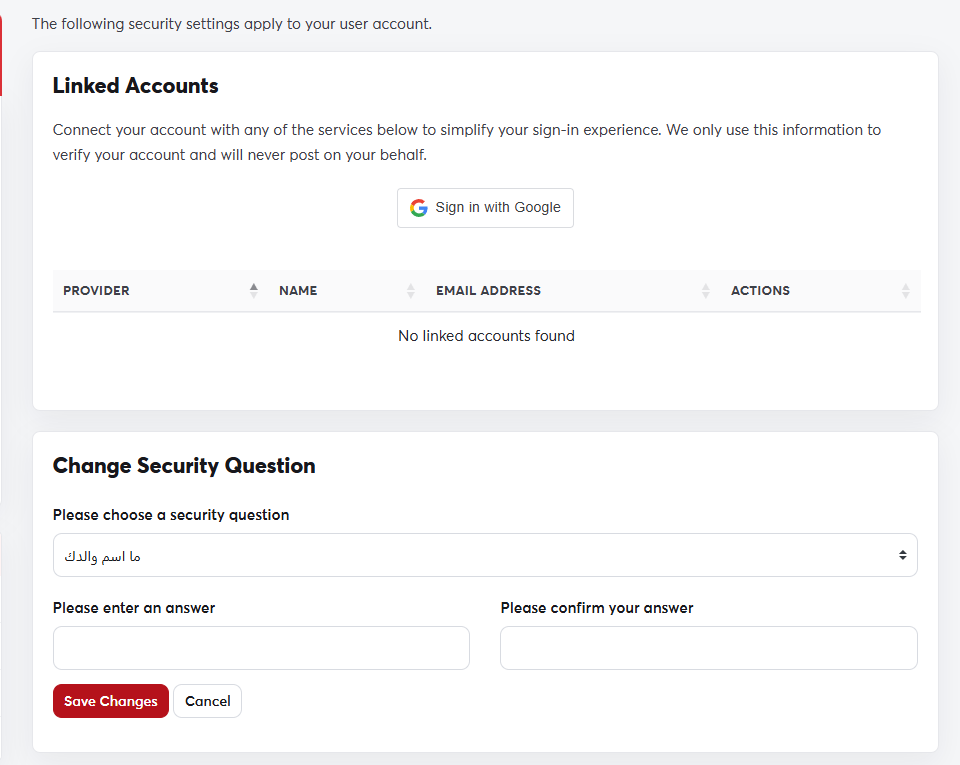 The Security Settings page
Link your Google account
- In the Linked Accounts section, click Sign in with Google.
- Choose the Google account to link and approve the request.
- From then on you can log in by clicking the Google button on the login page, without typing a password.
To unlink it, click the remove button next to the account in the same table.
Security question
Choose a question, type the answer twice and click Save Changes. We may ask for this answer when you contact us, to confirm that you own the account.
Choose an answer you'll remember but that others can't easily guess.
