

If an employee or developer helps you manage your site, don't share your password with them. Add them as a user with specific permissions instead. You can remove them at any time.
Invite a new user
- Click your name in the side menu, then choose User Management.
- Enter the email address of the person you want to invite.
- Choose their permissions: all permissions, or specific ones such as services only or billing only.
- Click Send Invite. They receive a link to set their own password and log in.
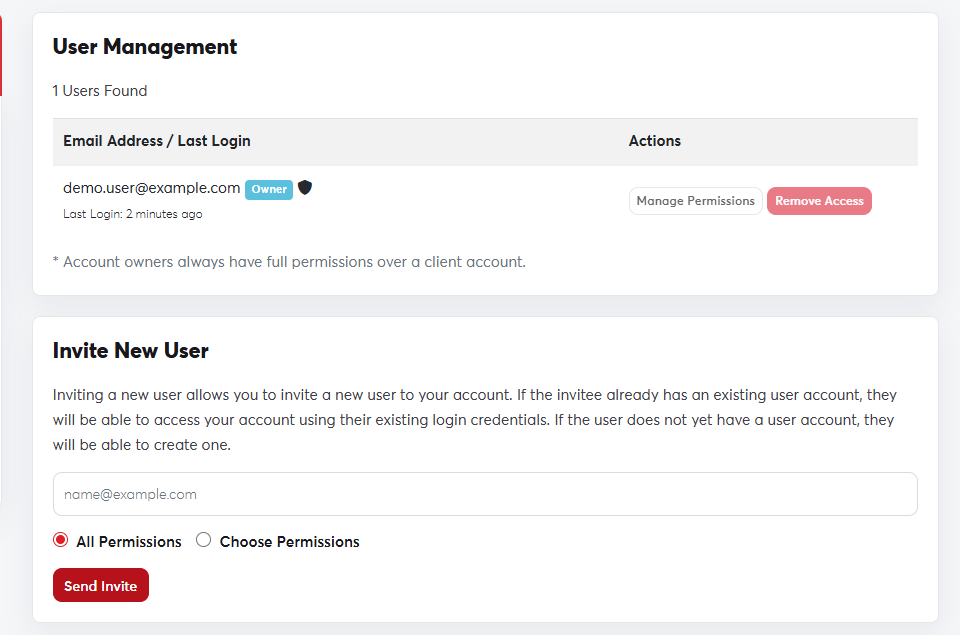 The User Management page
Contacts
Contacts are people who receive certain emails without logging in to the account, such as an accountant who only gets invoices. You can also use them in domain contact details.
- From your name menu, choose Contacts.
- Enter the person's details and choose which emails they get (invoices, support and so on).
- Click Save Changes.
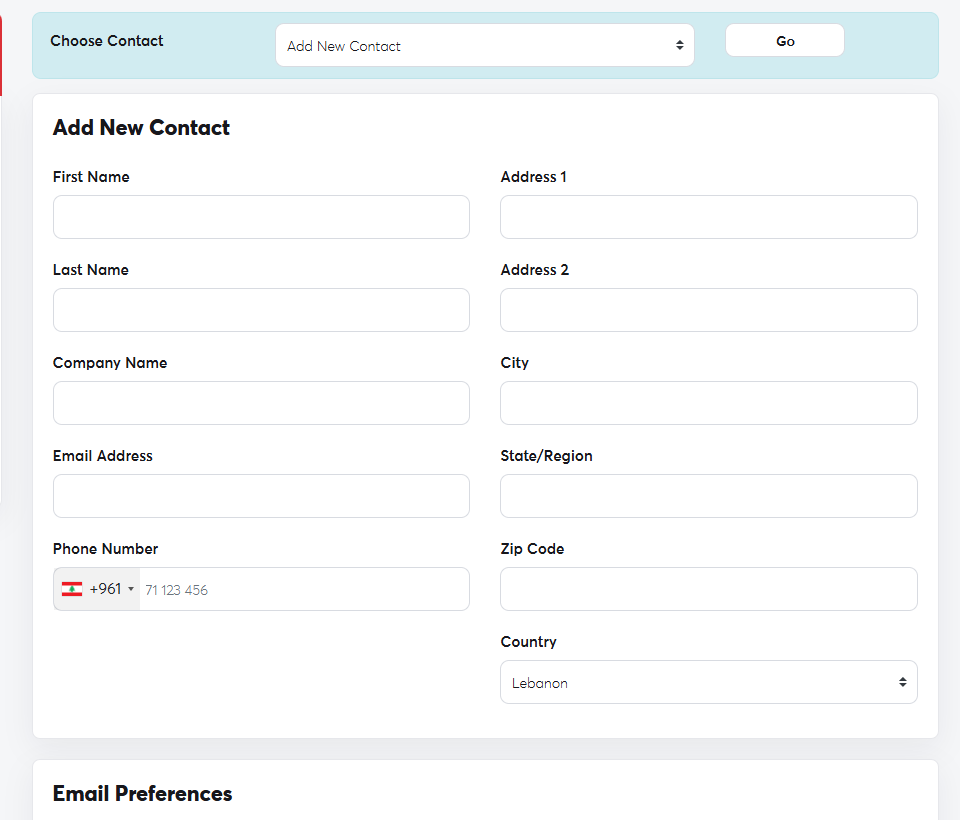 The Contacts page
Review your user list from time to time and remove anyone who no longer works with you.
