

Resetting a forgotten password

If you've forgotten your password, you can set a new one by email in about a minute.

Steps

  1. On the login page, click Forgot Password?, or open the password reset page.
  2. Enter the email address on your account and click Submit.
  3. Open the email you receive and click the reset link.
  4. Enter and confirm your new password, then save it.
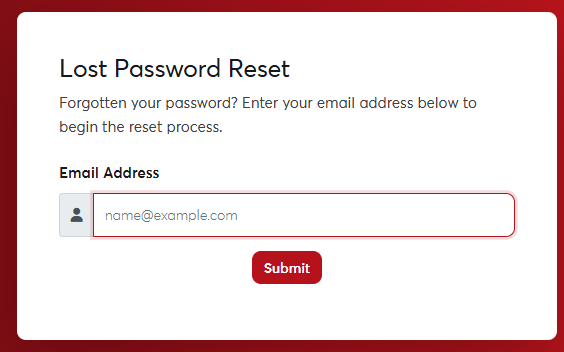
The password reset pageThe password reset page
The reset link works once and only for a limited time. If it has expired, request a new one.
If the email doesn't arrive within a few minutes, check your Spam or Junk folder. If you no longer have access to the email address on your account, contact us and we'll help after verifying your identity.

Was this answer helpful?

Related Articles

Creating a new account Your SAJJEL.NET account is where you manage all your services, domains and invoices. It's free and takes a minute to create. Steps... How to log in Log in with your email and password Click Login at the top of any page on the site.Enter the Email Address you registered with and your... Verifying your email address After you create your account, we send you an email with a verification link. Verifying your email makes sure invoices and important... Changing the site language The SAJJEL.NET website and client area are available in Arabic and English, and you can switch between them at any time. Quick switch...