

If you've forgotten your password, you can set a new one by email in about a minute.
Steps
- On the login page, click Forgot Password?, or open the password reset page.
- Enter the email address on your account and click Submit.
- Open the email you receive and click the reset link.
- Enter and confirm your new password, then save it.
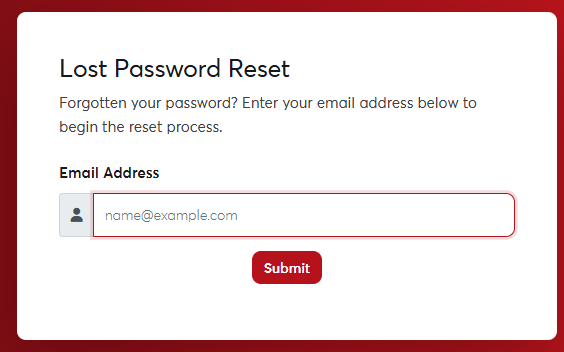 The password reset page
The reset link works once and only for a limited time. If it has expired, request a new one.
If the email doesn't arrive within a few minutes, check your Spam or Junk folder. If you no longer have access to the email address on your account, contact us and we'll help after verifying your identity.
