

A support ticket is the fastest and best way to reach our team: all your messages and our replies are kept in one place, replies arrive in your email, and you can attach screenshots and files.
Open a new ticket
- Log in to your account, then click Open Ticket in the side menu.
- Choose the right department:
- Technical Support: website, email, cPanel and domain problems.
- Sales & Billing: prices, orders, invoices and payments.
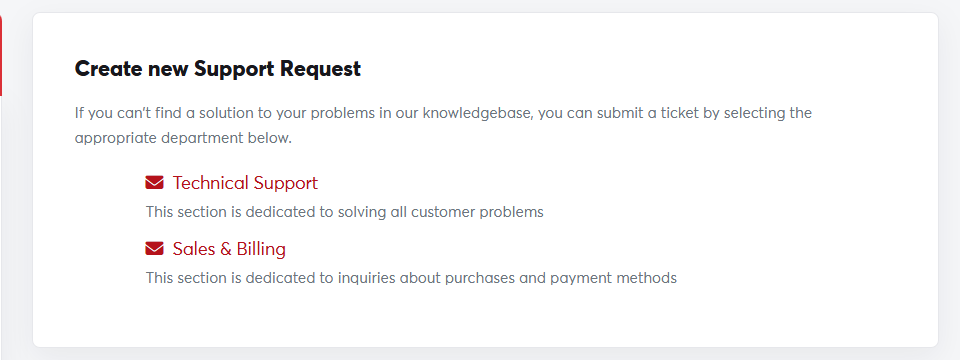 Choosing a department
- Write a clear Subject, such as "Not receiving email on info@".
- Choose the Related Service if there is one, and set the Priority.
- Describe the problem in the Message, and attach a screenshot if you can.
- Click Submit.
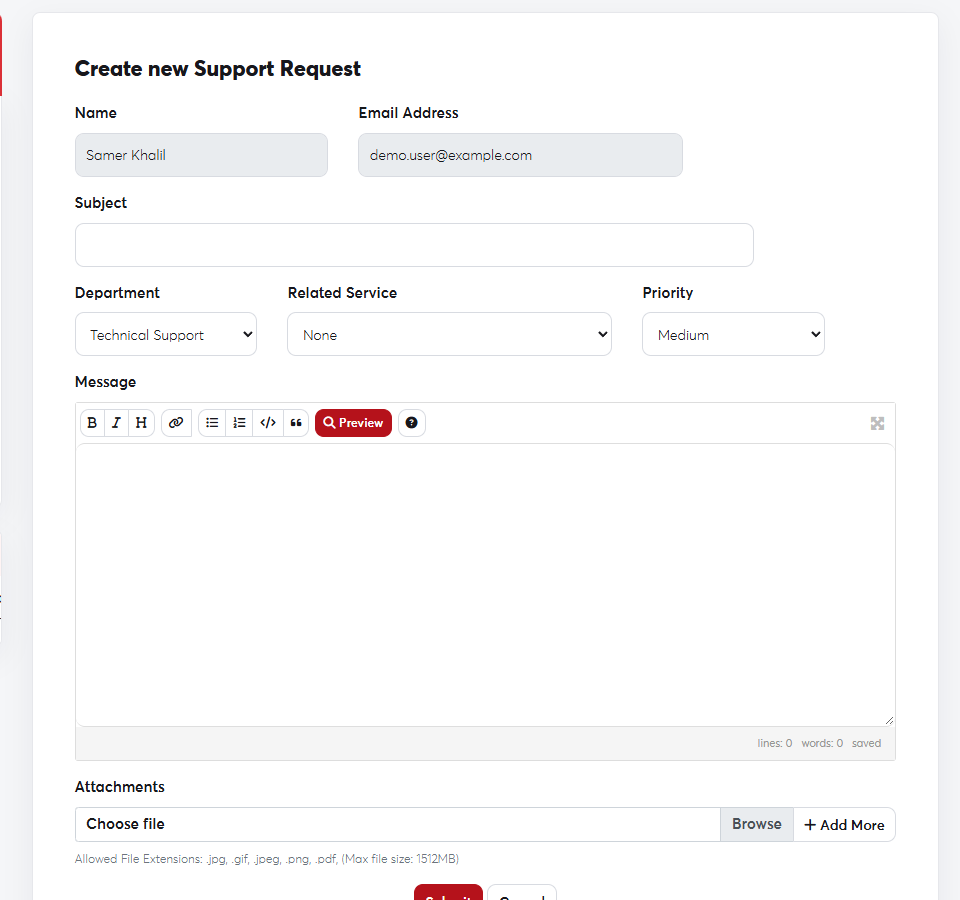 The new ticket form
The clearer the details, the faster the fix. See What to include in a support request.
You'll receive the ticket number by email, and you can follow and reply to it as described in Following up on your tickets.
