

The registrar lock stops your domain from being transferred to another company without your knowledge. We recommend keeping it on at all times, and turning it off only when you want to transfer the domain yourself.
Turn the lock on or off
- In Domains → My Domains, click the domain.
- Open the Registrar Lock tab.
- You will see the current lock status. Click the button to enable or disable it.
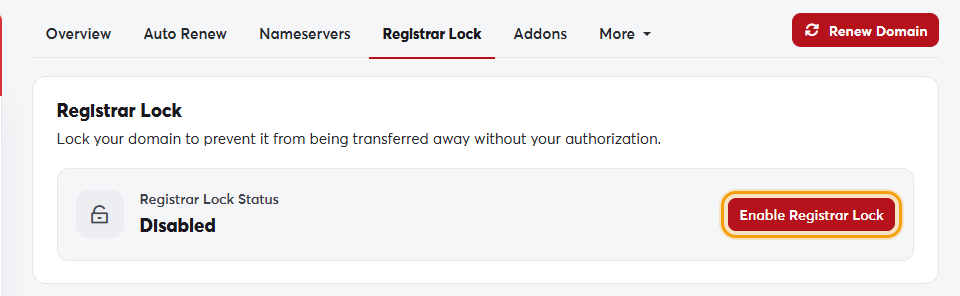 The Registrar Lock tab
Some extensions (including many country-code domains) don't support locking, so the tab doesn't appear for them.
To transfer the domain elsewhere, turn the lock off first and then get the EPP code. Once the transfer completes, the new registrar can turn it back on.
