

cPanel is where you manage your website: files, email, databases, backups, SSL certificates and more.
The easy way: from your SAJJEL.NET account
- In Services → My Services, click your hosting service.
- Click Log in to cPanel.
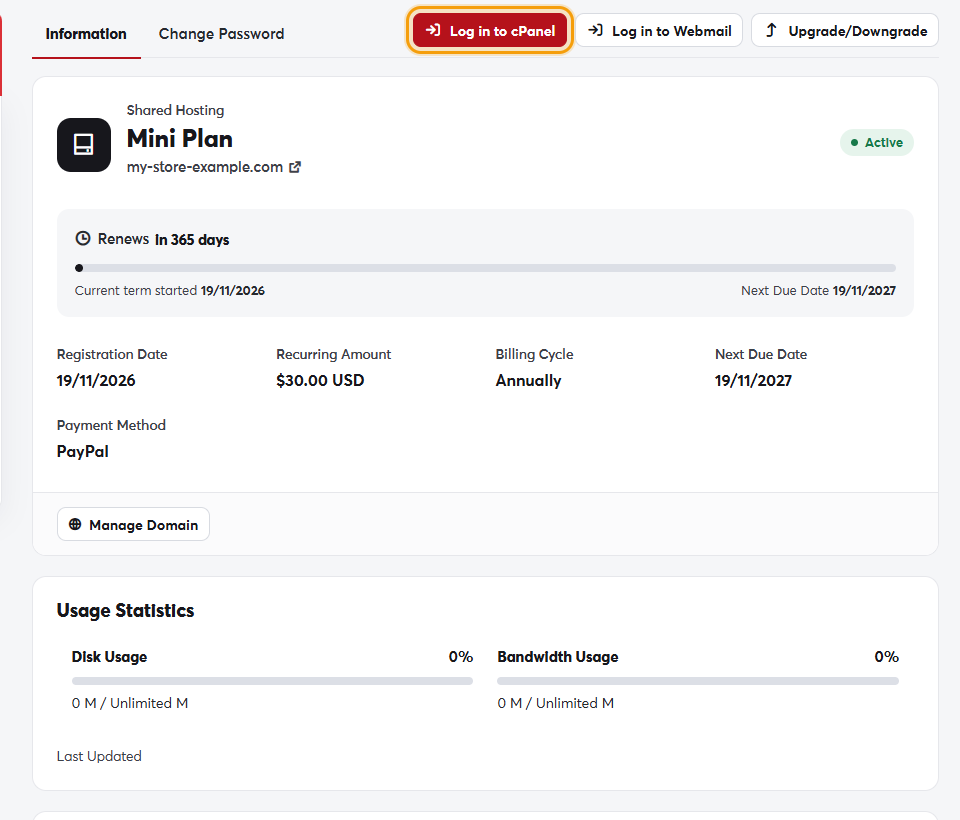 The Log in to cPanel button on the service page
cPanel opens directly, without typing a username or password.
Logging in directly
You can also open https://yourdomain.com:2083 in your browser (replace yourdomain.com with your domain) and use the username and password from your welcome email.
If you've forgotten your cPanel password, log in from your SAJJEL.NET account as above, or change it on the service page's Change Password tab.
The most-used cPanel tools are also available as direct links in the service page's Quick Shortcuts section.
