

Every hosting plan lets you create professional email addresses on your domain, such as [email protected] or [email protected].
The quick way
- In Services → My Services, click your hosting service.
- Scroll down to Quick Create Email Account.
- Enter the address name (the part before @) and a strong password, then click Create.
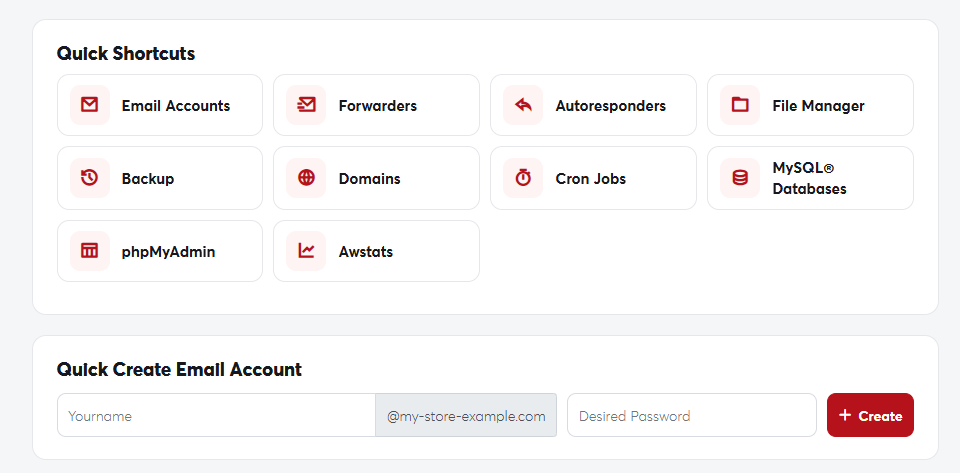 Quick Shortcuts and Quick Create Email Account
In cPanel
For more settings (such as mailbox size), click Email Accounts in the Quick Shortcuts, then Create.
Reading and sending email
- In a browser: click Log in to Webmail on the service page, or open
https://yourdomain.com/webmail. - On a phone or in an app such as Outlook: in cPanel, open Email Accounts then Connect Devices to find the correct IMAP and SMTP settings.
If you only want messages delivered to your existing inbox (such as Gmail), use Forwarders in cPanel instead of creating a mailbox.
