

From time to time we publish promo codes that give you a discount on hosting or domains. You'll find current offers on the Promotions page and in our newsletters.
Apply a code
- Add the products you want to the cart.
- On the cart page, type the code into Apply Promo Code.
- Click Validate Code.
- The discount appears in the Order Summary. Then complete the order as usual.
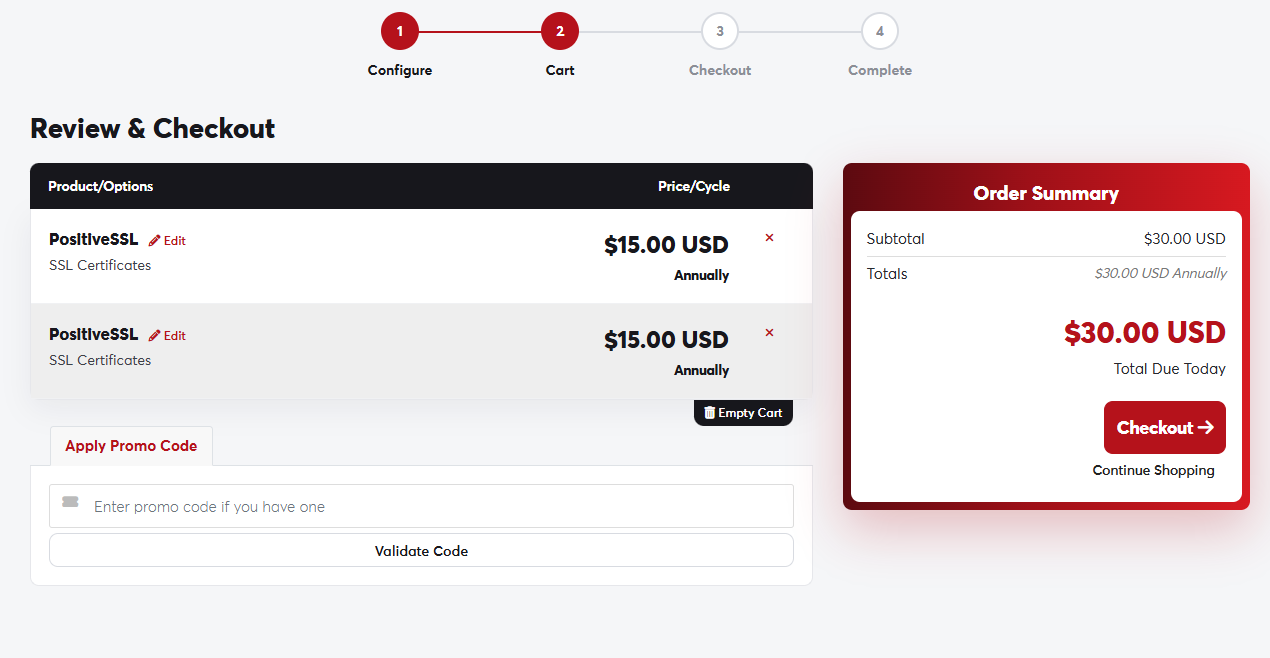 The promo code box on the cart page
Each code has its own conditions: it may apply only to certain products or billing cycles, to first orders, or for a limited time. If you're told the code is invalid, check the spelling and that it applies to the items in your cart.
Only one promo code can be used per order.
