

When a ticket contains everything we need from the start, we can usually fix the problem in the first reply instead of trading messages to ask for details. Please include:
What to put in your ticket
- The domain or service involved, such as
my-store.com. Also choose it in the Related Service list. - Exactly what happened: what you were trying to do and what you saw instead.
- The exact error message, or a screenshot.
- When the problem started, and whether anything changed just before (a plugin update, new nameservers, a site move).
- What you've already tried.
- How to reproduce it: the page address, or the email address that isn't receiving mail.
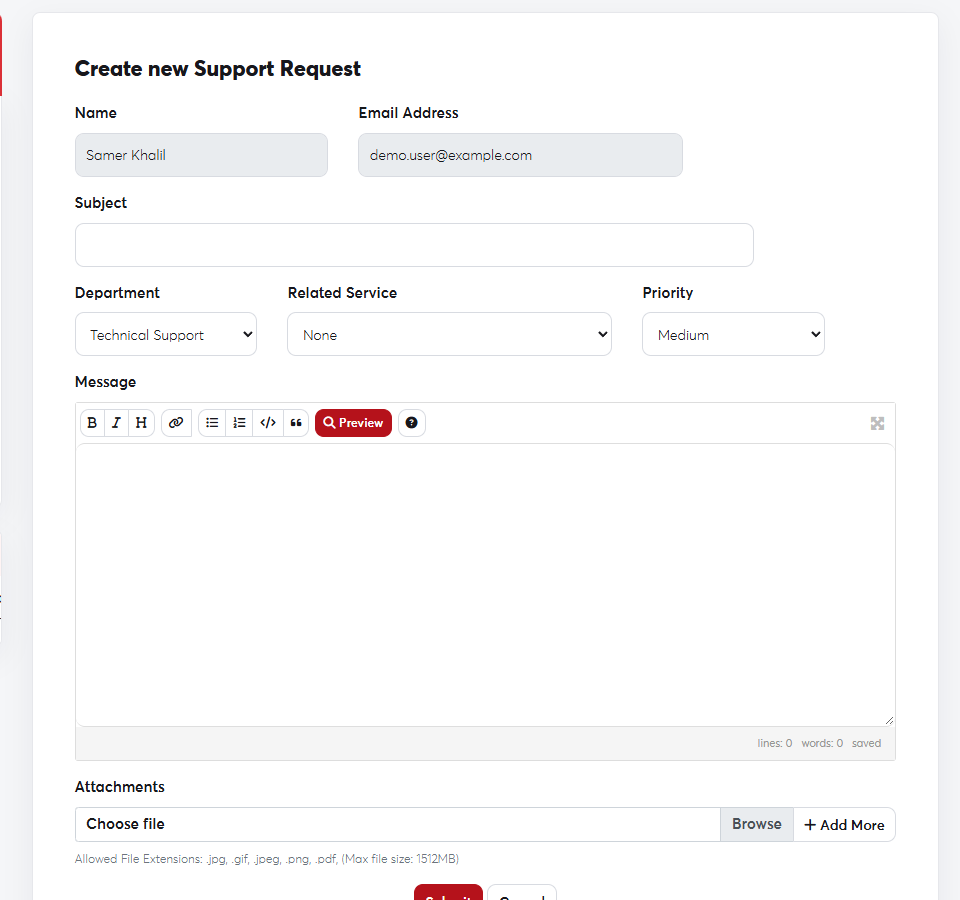 Choose the related service, write the details and attach a screenshot
Good habits
- Open one ticket per problem, and don't open several tickets for the same issue.
- Don't send passwords in a ticket unless our support team asks for them.
- Pick the right department: Technical Support for technical problems, Sales & Billing for payment questions.
To take a screenshot on Windows press
Win + Shift + S; on a Mac press Cmd + Shift + 4. Then attach the image to your ticket.