

You can save a card to your account so it's used for quick invoice payments and for auto-renewing your services and domains.
Manage payment methods
- In the side menu, choose Billing → Payment Methods.
- Click Add New Payment Method and enter your card details.
- Set the card you want as Default so it's used automatically.
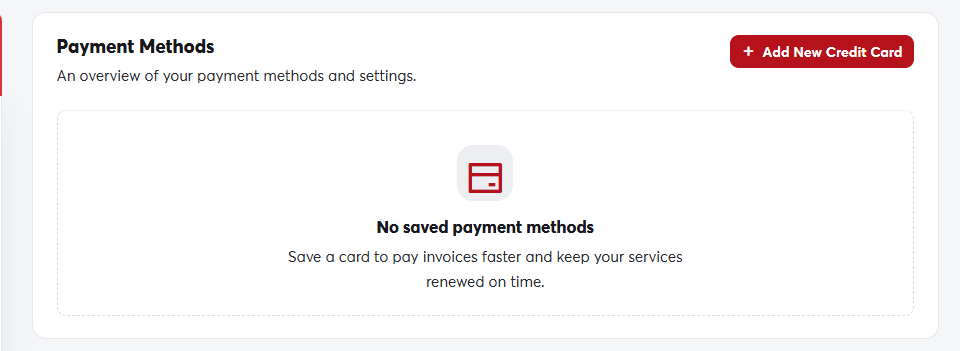 The Payment Methods page
On the same page you can edit or remove any card at any time.
Card details are stored encrypted by the payment gateway, not on our servers, and we only show the last four digits.
When your card expires, add the new one and remove the old one so that auto-renewals don't fail.
