

We recommend changing your password regularly, and straight away if you think someone else knows it.
Steps
- Click your name in the side menu, then choose Change Password.
- Enter your Current Password.
- Enter a New Password, or click Generate Password to create a strong one automatically.
- Type it again in Confirm New Password, then click Save Changes.
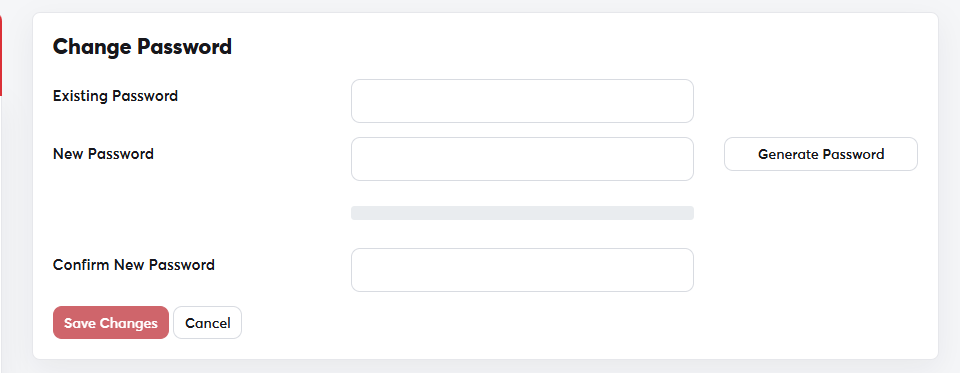 The Change Password page
A strong password
- At least 12 characters.
- A mix of upper- and lower-case letters, numbers and symbols.
- Not used on any other site, and not based on your name or birthday.
This is the password for your SAJJEL.NET account. Your cPanel password is changed on the Change Password tab of your hosting service's page.
If you've forgotten your current password, use Resetting a forgotten password from the login page.
