

Log in with your email and password
- Click Login at the top of any page on the site.
- Enter the Email Address you registered with and your Password.
- Tick Remember Me if you're on your own device, so you don't have to log in every time.
- Click Login.
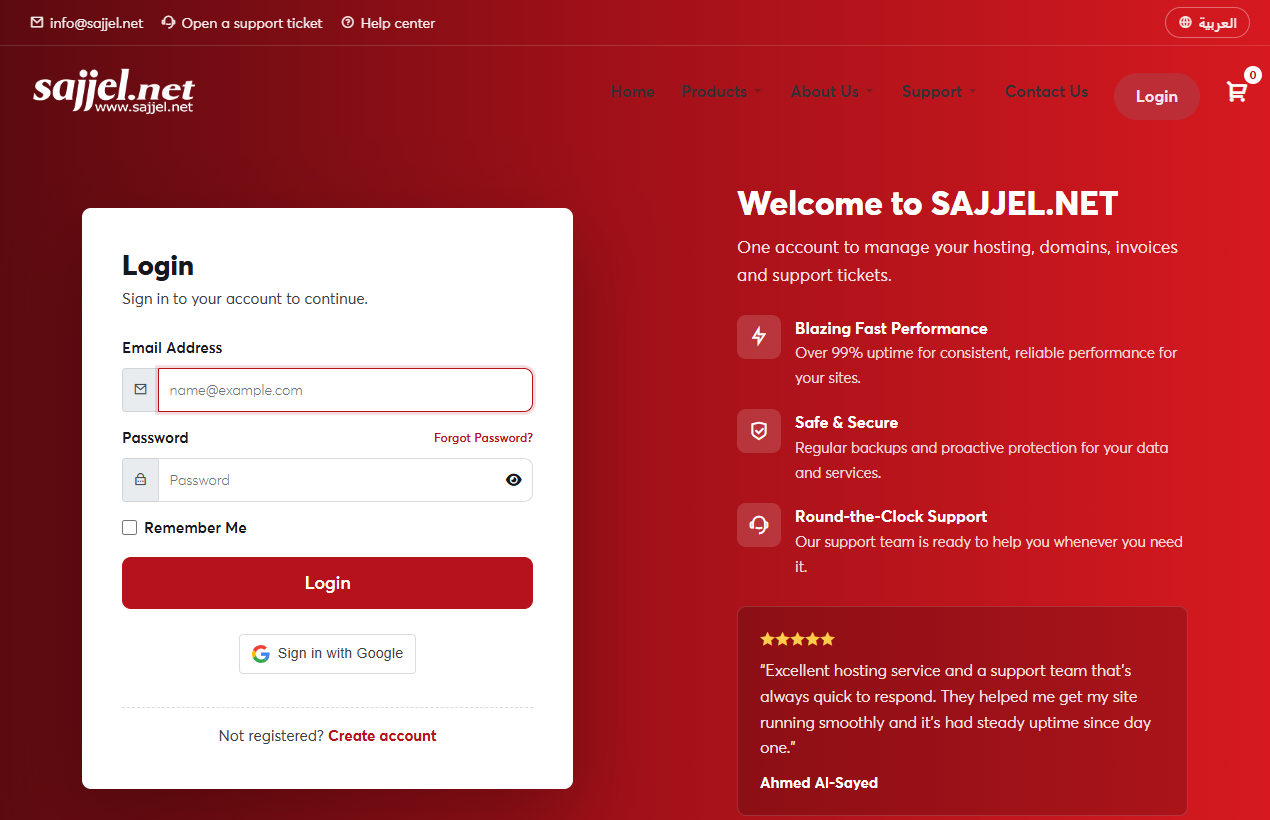 The login page
Log in with Google
If you've linked your account to Google in Security Settings, click Sign in with Google and you'll be logged straight in.
Common problems
- Incorrect password: check your keyboard language and that Caps Lock is off, or reset your password.
- Email not recognised: you may have registered with another address. Try your other addresses, or contact us.
- Temporarily blocked: after several failed attempts your IP address is blocked for a short time to protect your account. Wait a little and try again.
Don't tick Remember Me on a public or shared computer, and click Logout in your name menu when you're done.
