

A domain is registered for a set period (one year or more) and must be renewed before it ends to keep your website and email working. We send reminders and a renewal invoice before the expiry date, and you can also renew manually at any time.
Renew manually
- In the side menu, choose Domains → Renew Domains.
- Choose the renewal period next to the domain and click Add to Cart.
- Click View Cart and complete the payment.
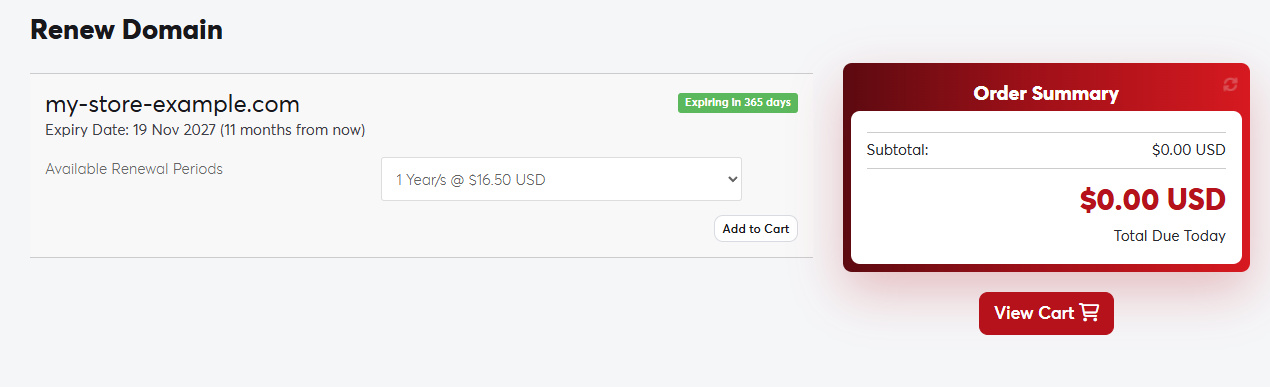 The Renew Domains page
You can also click Renew Domain directly on the domain's management page.
What happens if a domain expires?
- The website and email using the domain stop working.
- There is usually a short grace period after expiry when you can still renew at the normal price. Its length depends on the extension.
- After the grace period the domain may enter a redemption period, when renewal costs an extra fee. After that it is deleted and anyone can register it.
The easiest way to avoid an expired domain is to turn on auto-renew and keep credit in your account or a saved payment method.
