

Getting your domain's EPP code

The EPP code (also called an Auth Code) is a password for your domain. Any company you transfer the domain to will ask for it to confirm that you are the owner.

How to get the code

  1. In Domains → My Domains, click the domain.
  2. Choose More → Get EPP Code.
  3. The code is shown on screen or emailed to the domain owner, depending on the extension.
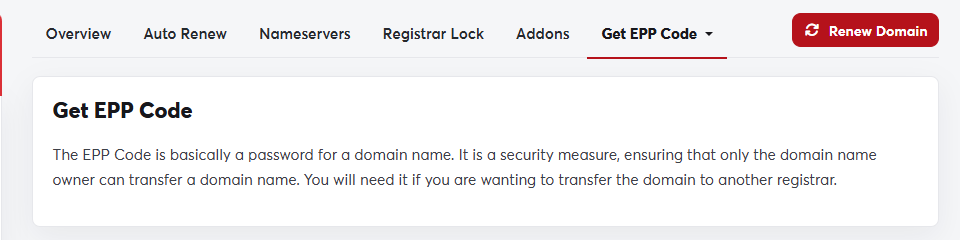
The Get EPP Code pageThe Get EPP Code page

Before you transfer the domain

  • Turn off the registrar lock, otherwise the transfer will be rejected.
  • Make sure 60 days have passed since the domain was registered or last transferred.
  • Make sure the email address in the contact information works.
Treat the EPP code like a password. Only share it with the company you are transferring the domain to.

Was this answer helpful?

Related Articles

Registering a new domain A domain name is your website's address on the internet, such as my-store.com. You can search for the name you want and register it... Looking up domain information (WHOIS) WHOIS shows the public record for any domain name: the registrar, registration and expiry dates, nameservers and status. Use it to check... Transferring a domain to SAJJEL.NET If your domain is registered with another company, you can transfer it to SAJJEL.NET and manage your domains, hosting and invoices in one... Managing your domains All your domains are in one place in your client area. From there you control renewals, nameservers, the registrar lock, contact details... Renewing a domain A domain is registered for a set period (one year or more) and must be renewed before it ends to keep your website and email working. We...