

Your account details appear on your invoices and are used by default for new domain registrations, so keep them accurate and up to date.
Edit your details
- Click your name in the side menu, then choose Account Details.
- Change what you need: name, company name, address, city and phone number.
- Choose the Language for your emails and client area.
- Tick the Email Preferences you want to receive (account emails, invoices and so on).
- Click Save Changes.
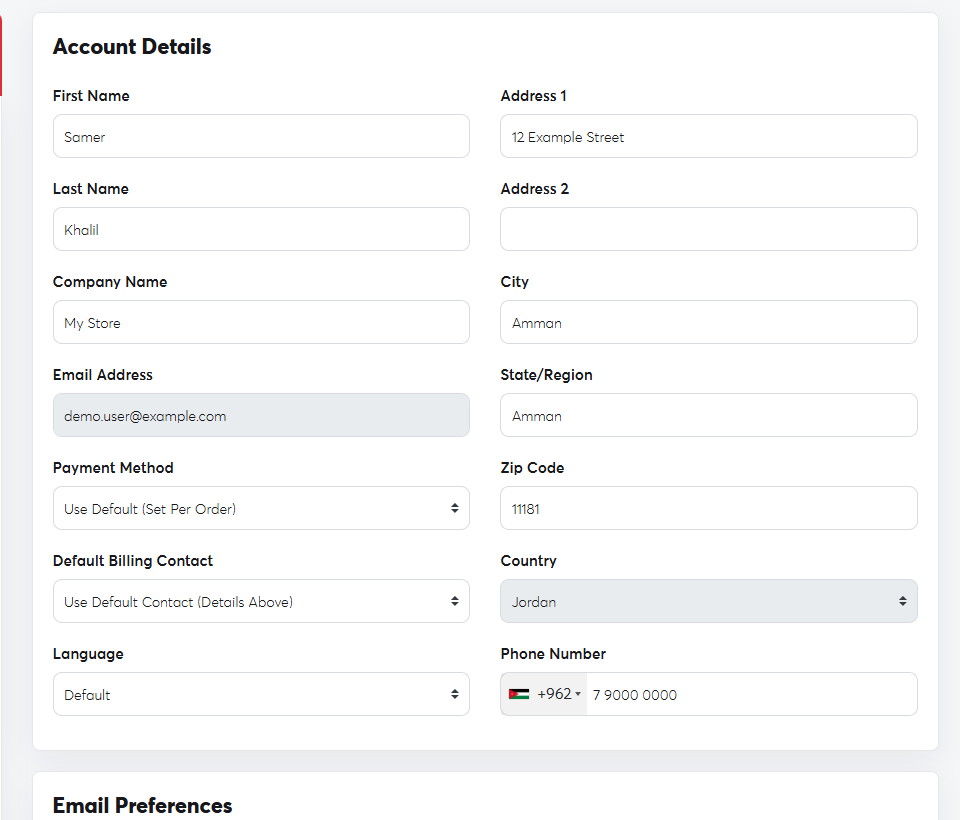 The Account Details page
For security, the Email Address and Country can't be changed on this page. To change them, open a ticket with Technical Support and we'll update them after verifying your identity.
Your login email and password belong to your user, not the account; change the password from Change Password. To let someone else manage the account with you, see Users and contacts.
