

From your client area you can follow all your hosting services: their status, renewal date and usage, and quick access to their tools.
Find your services
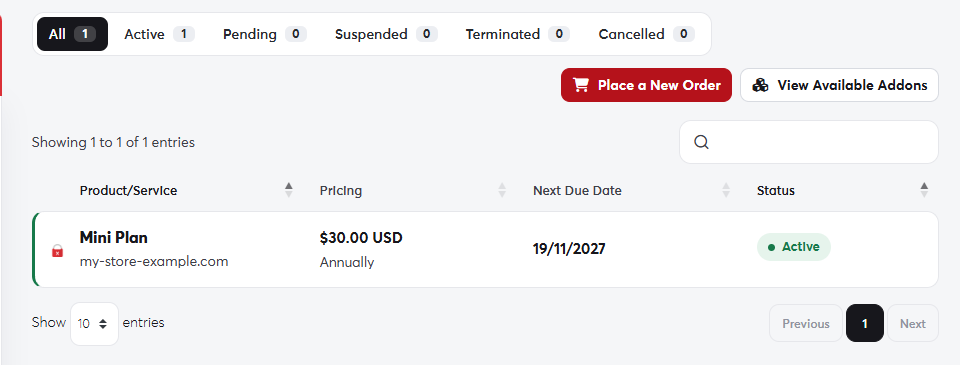
- In the side menu, choose Services → My Services.
- Click a service to open its details page.
 My Services
The service details page
 A hosting service's details page
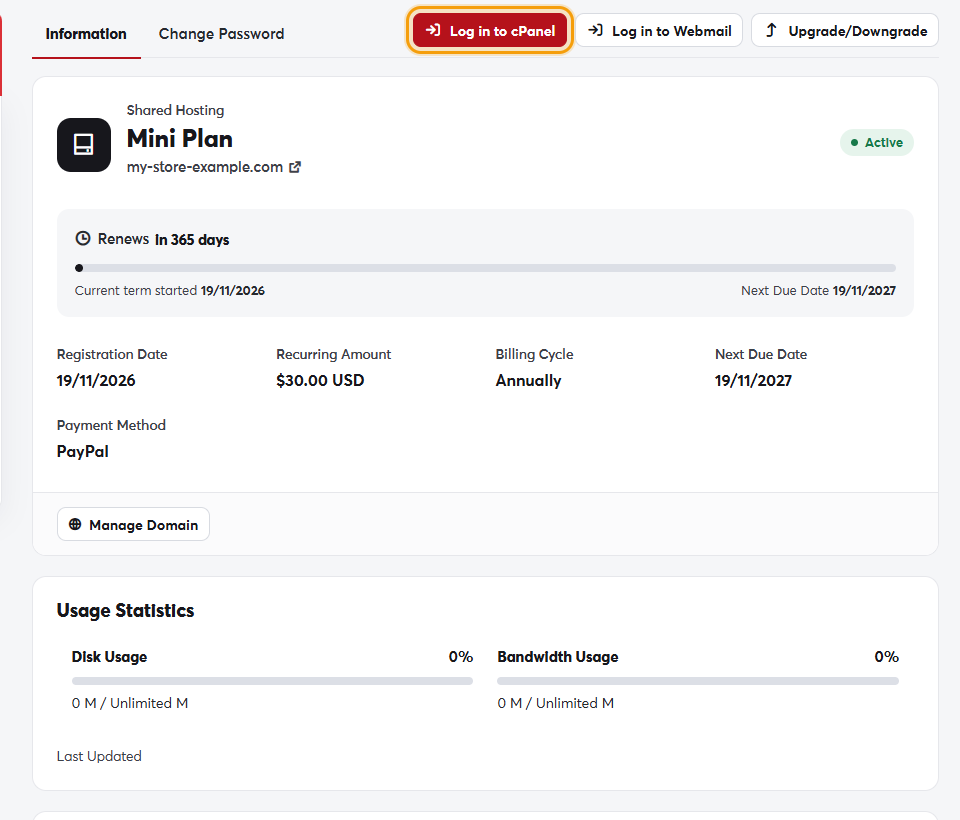
- Log in to cPanel: opens the control panel directly, without a password. See Logging in to cPanel.
- Log in to Webmail: opens webmail.
- Upgrade/Downgrade: move to another plan. See Upgrading your plan.
- Usage Statistics: disk space and bandwidth used.
- Quick Shortcuts: direct links to email, File Manager, backups and databases.
- Quick Create Email Account: create an address on your domain without opening cPanel.
A service can show these statuses: Active (working normally), Pending (waiting on something, usually an unpaid invoice), Suspended (temporarily stopped, usually for non-payment), and Cancelled or Terminated.
If a service is suspended because of an overdue invoice, pay it from your invoices and the service is restored automatically within minutes.
