

Short answers to the questions we're asked most often, with links to the full guides. If your question isn't here, try the search box on the knowledgebase page.
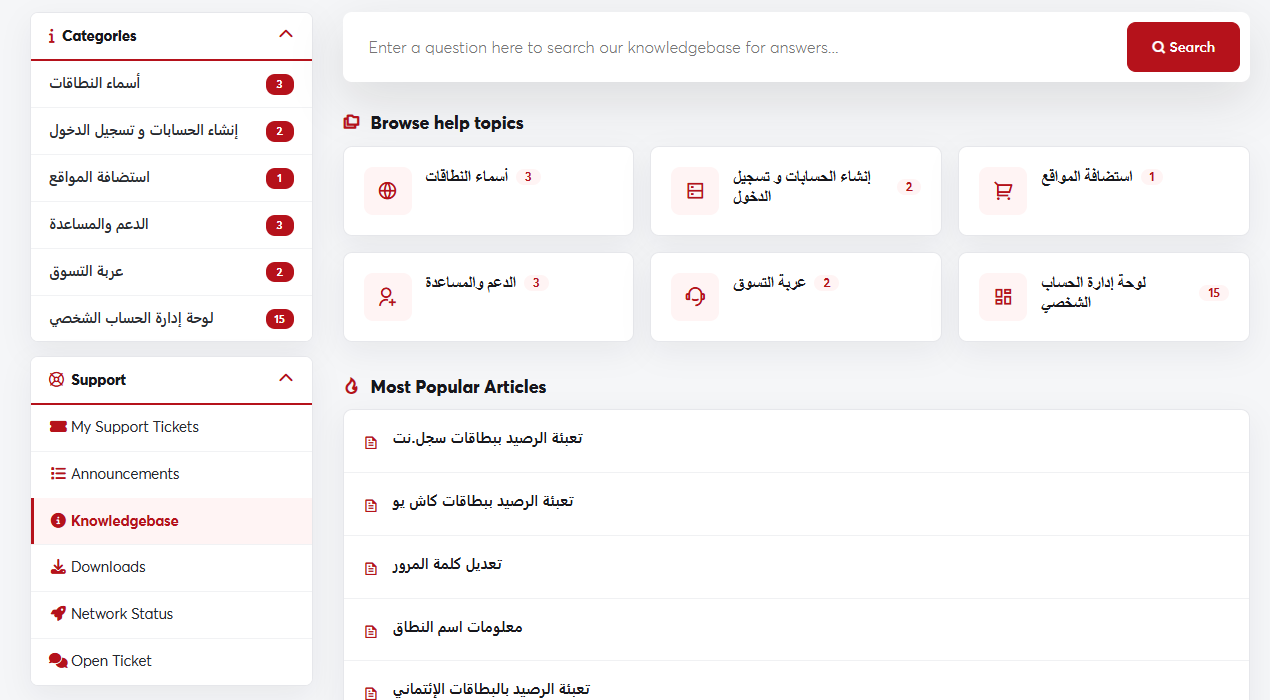 Search the knowledgebase or browse its categories
When will my service be active after I pay?
Hosting and domains are usually set up automatically within minutes of payment, and you get a welcome email. Domain transfers take one to seven days. See Transferring a domain.
I bought a domain but my website doesn't show. Why?
A domain alone isn't enough: you need hosting to upload your website's files to, and the domain must point to the hosting servers. See How to order a hosting plan and Nameservers. After any change, allow a few hours for it to propagate.
I forgot my password. What do I do?
Click Forgot Password? on the login page. See Resetting a forgotten password.
How do I log in to cPanel?
On your hosting service's page, click Log in to cPanel. See Logging in to cPanel.
How do I create an email address on my domain?
See Creating an email account on your domain.
Which payment methods do you accept?
Credit cards, PayPal and account credit. Prices are in US dollars. See Payment methods and currency.
My service was suspended. How do I restore it?
Usually this is because of an unpaid invoice. Pay it from Billing → My Invoices and the service is restored automatically. See Paying an invoice.
How do I change my account email or country?
For security, these two fields can't be edited in the client area. Open a ticket and we'll update them after verifying your identity.
My question isn't answered here
Search the knowledgebase, or open a support ticket and our team will reply.
